
AnyUnlock for Windows
Explore AnyUnlock for Windows, including its supported Windows versions, key device utilities, system requirements, installation information, and download options.
Use AnyUnlock only with devices you own or are authorized to manage.
What Is AnyUnlock for Windows?
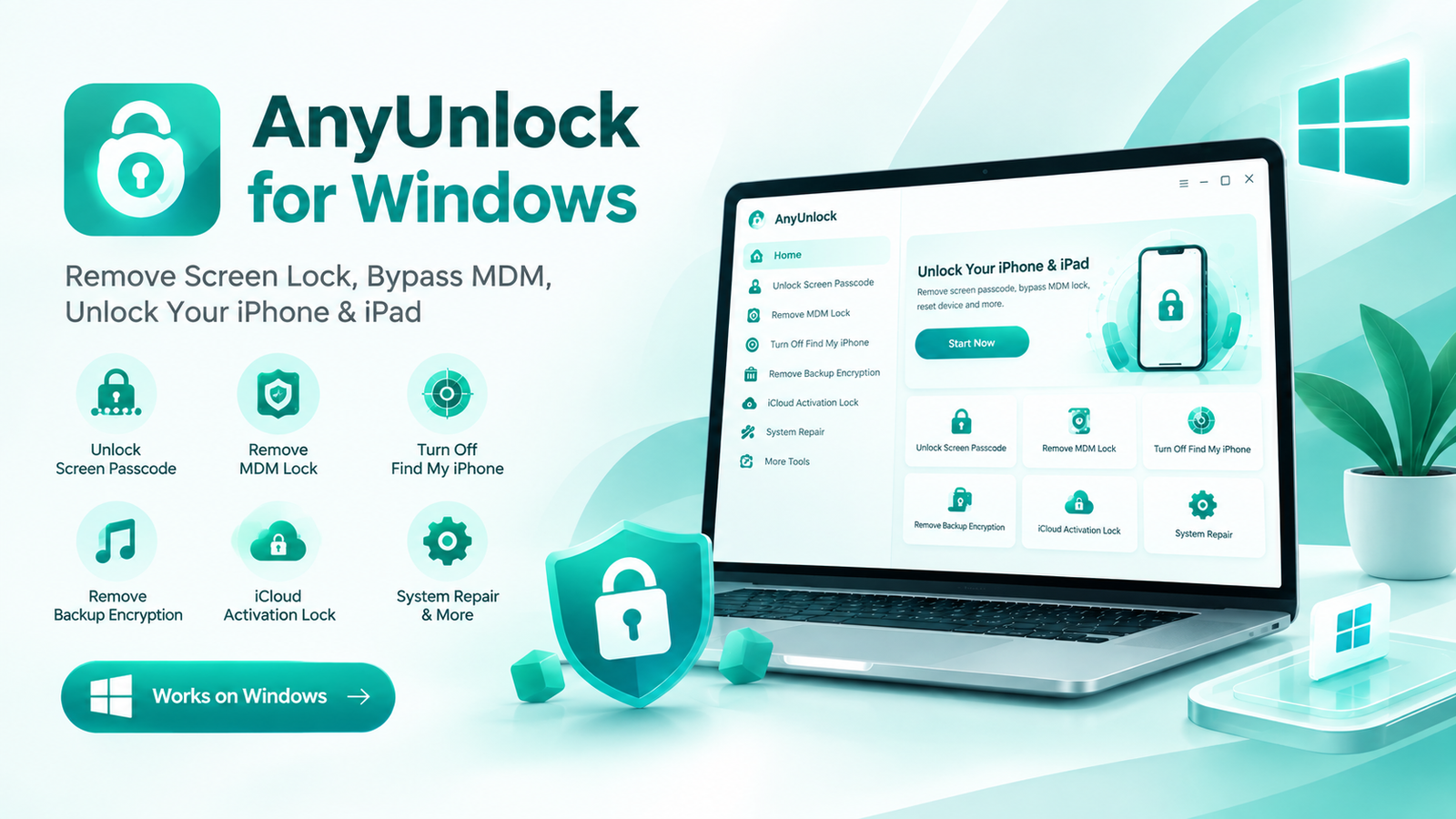
AnyUnlock for Windows is a desktop utility from iMobie designed for supported iPhone, iPad, and iPod touch password, lock, and device-management situations.
The Windows version brings several tools into one desktop application, allowing users to select the appropriate utility for their particular device situation.
Compatibility depends on the device, iOS or iPadOS version, and the specific AnyUnlock feature being used.
If you are looking for the general software information, visit the Know More About AnyUnlock.
AnyUnlock Windows Features
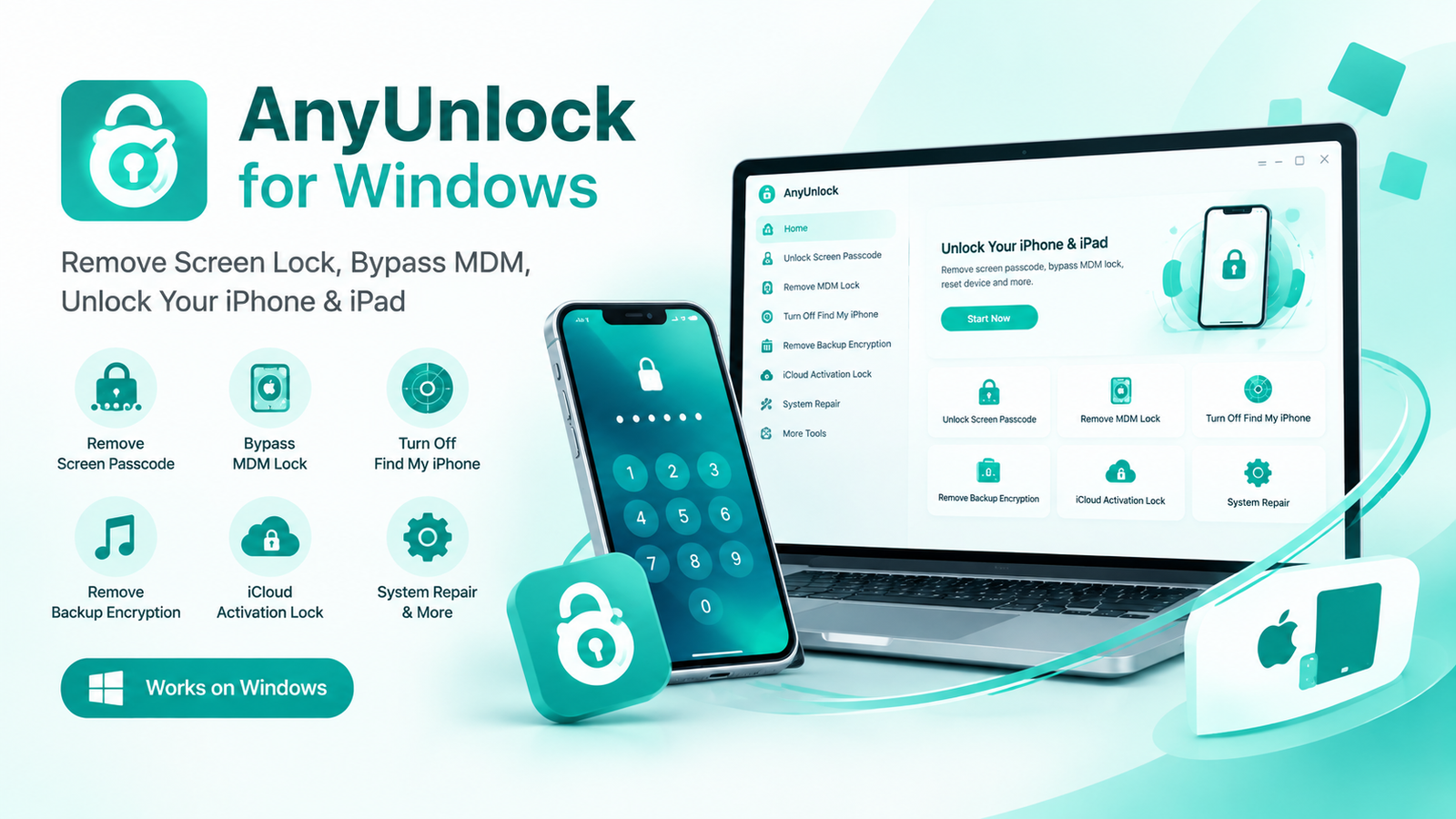
The Windows application provides access to several device-related utilities from one interface.
Screen Passcode
A dedicated utility for supported iPhone and iPad screen-passcode situations.
Apple ID
Provides an Apple ID-related tool for supported device configurations.
Activation Lock
Includes an Activation Lock-related utility for supported Apple devices and configurations.
MDM Lock
Provides an MDM-related utility for supported device-management situations.
Screen Time
Includes a Screen Time-related utility for supported iPhone and iPad configurations.
Backup Tools
Provides utilities for supported iTunes backup password and encryption-related situations.
AnyUnlock Windows Download
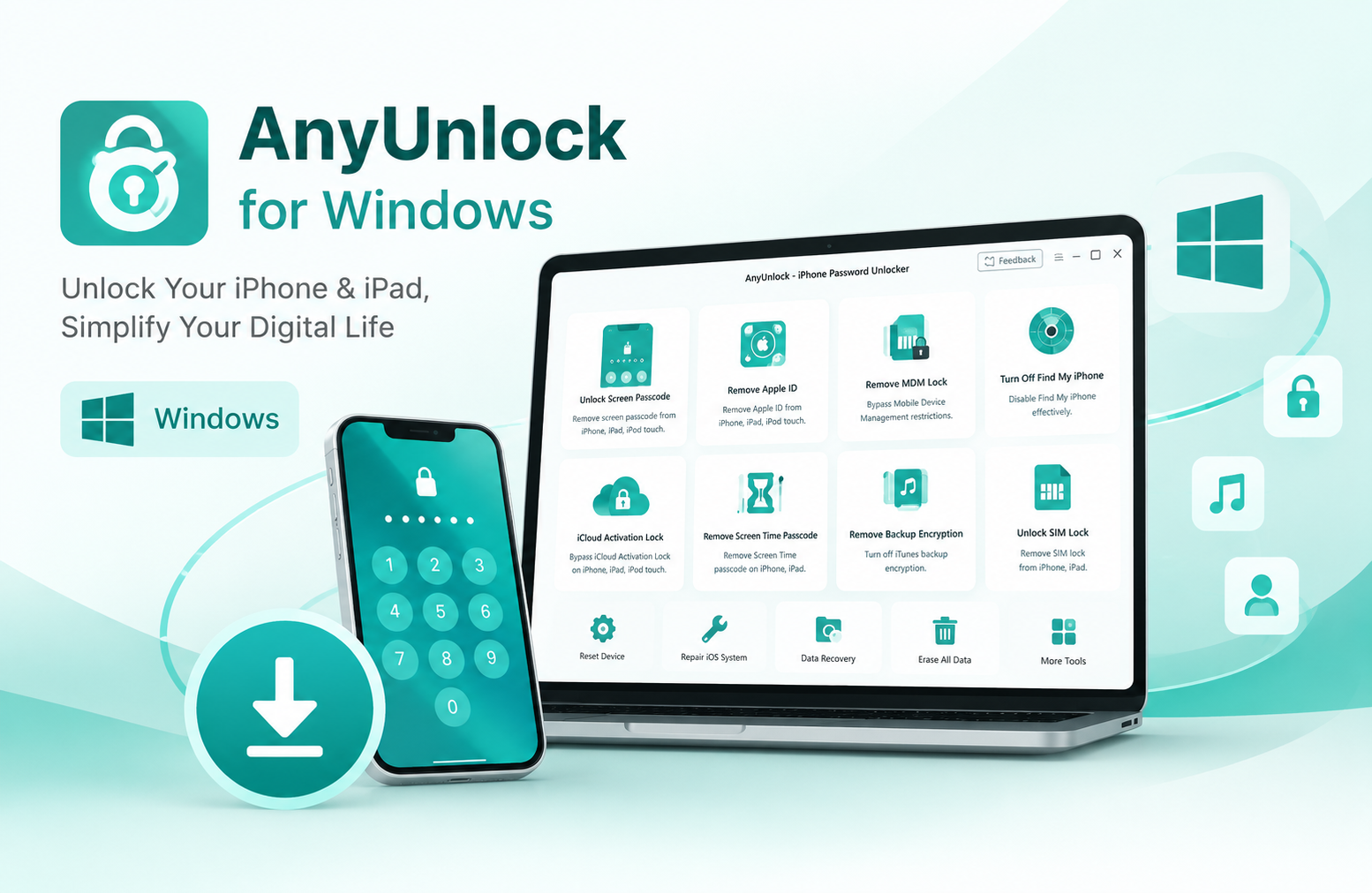
Before installing AnyUnlock, check your Windows version and make sure your computer meets the required system specifications.
The current official specifications list Windows 11, Windows 10, Windows 8, Windows 7, and Windows Vista. The published requirements also list 64-bit Windows support, with iMobie’s broader compatibility information covering 32-bit and 64-bit Windows.
Windows 11 / 10 / 8 / 7 / Vista
Free storage
500 MB or more
AnyUnlock Windows System Requirements
Check these requirements before installing the Windows version.
| Requirement | Windows Specification |
|---|---|
| Operating System | Windows 11, 10, 8, 7, Vista |
| Architecture | 64-bit listed in current technical specifications |
| CPU | 1 GHz or above |
| RAM | 256 MB or more; 1 GB recommended |
| Display | 1024 × 768 or above |
| Free Storage | 500 MB or more |
| Graphics | Accelerated 3D graphics with 64 MB RAM |
| Additional Requirement | iTunes installed on the computer |
How to Install AnyUnlock on Windows
Follow the basic desktop installation process before using a supported AnyUnlock feature.
Install
Open the installer and follow the Windows setup instructions until the installation is complete.
Connect & Select
Launch AnyUnlock, connect a supported Apple device when required, and select the appropriate utility.
AnyUnlock on Windows 11 and Windows 10
Current AnyUnlock information lists Windows 11 and Windows 10 among its supported Windows operating systems.
Windows 11
AnyUnlock is listed as compatible with Windows 11. Before using a particular tool, check the requirements for your device and iOS/iPadOS version.
Windows 10
Windows 10 is also included in the current compatibility information. Make sure your PC has enough free storage and the required Apple software components.
Important Before Using AnyUnlock
AnyUnlock should only be used with an iPhone, iPad, or iPod touch that you own or are authorized to manage.
Some device-related operations can have different effects depending on the selected feature and device configuration. Certain workflows may erase device data, so important data should be backed up whenever possible before starting.
For official recovery options or account-related problems, Apple’s own support and recovery services should also be considered.
Explore More AnyUnlock Pages
Continue to the relevant section of our AnyUnlock website.
AnyUnlock Homepage
Learn about AnyUnlock, its features, supported devices, and general software information.
Visit Homepage →AnyUnlock Download
Find the main AnyUnlock download information and available software options.
Download Page →AnyUnlock for Mac
Explore AnyUnlock compatibility, requirements, and software information for Mac users.
View Mac Page →AnyUnlock for Windows FAQ
Is AnyUnlock compatible with Windows 11?
Yes. Windows 11 is included in AnyUnlock’s current Windows compatibility information.
Does AnyUnlock work on Windows 10?
Yes. Windows 10 is listed as a supported operating system for AnyUnlock.
How much storage does AnyUnlock require?
The official technical specifications list at least 500 MB of free hard-disk space.
Does AnyUnlock require iTunes?
iMobie’s current technical specifications list iTunes as an additional Windows requirement.
Can AnyUnlock be used with an iPhone or iPad?
Yes. AnyUnlock supports compatible iPhone and iPad devices, with available functions depending on the device and iOS/iPadOS version.
Is AnyUnlock free?
AnyUnlock can be downloaded and tried, while certain features require activation or a paid license.
Where can I find the AnyUnlock download page?
You can use our AnyUnlock Download page for the main download information.
Ready to Explore AnyUnlock for Windows?
Check the download information, review the system requirements, and choose the AnyUnlock tool that matches your supported device situation.